How to Run Qwen 3.6 35B on an 8GB VRAM GPU Without OOM (Step-by-Step)
Want to try a 35B-class language model on a PC with an 8GB graphics card? The main obstacle is memory: the model's full weights are larger than the GPU's VRAM. When an inference app tries to place everything in VRAM, the result can be an out-of-memory error before the first answer appears.
With the Herdsman AI engine, you can find and download a supported model from the app, then start it locally. On supported systems, AI SSD helps extend the memory available to local inference so that a model can run even when its working set is larger than the GPU's VRAM.
Before you start
Check that your PC has:
- An NVIDIA or AMD graphics card with 8GB VRAM.
- Enough system memory for the model and the apps you keep open. More system memory gives local inference more room to work.
- Free SSD space for the model download. A 35B model can require tens of gigabytes of storage, depending on its model build.
- The latest version of Herdsman and AI SSD available for your device.
Step 1: Open Herdsman
Launch Herdsman, the local AI engine. Herdsman brings model discovery, downloading, and local startup into one workflow, so you do not need to manually assemble model files or configure a command-line runtime for this walkthrough.
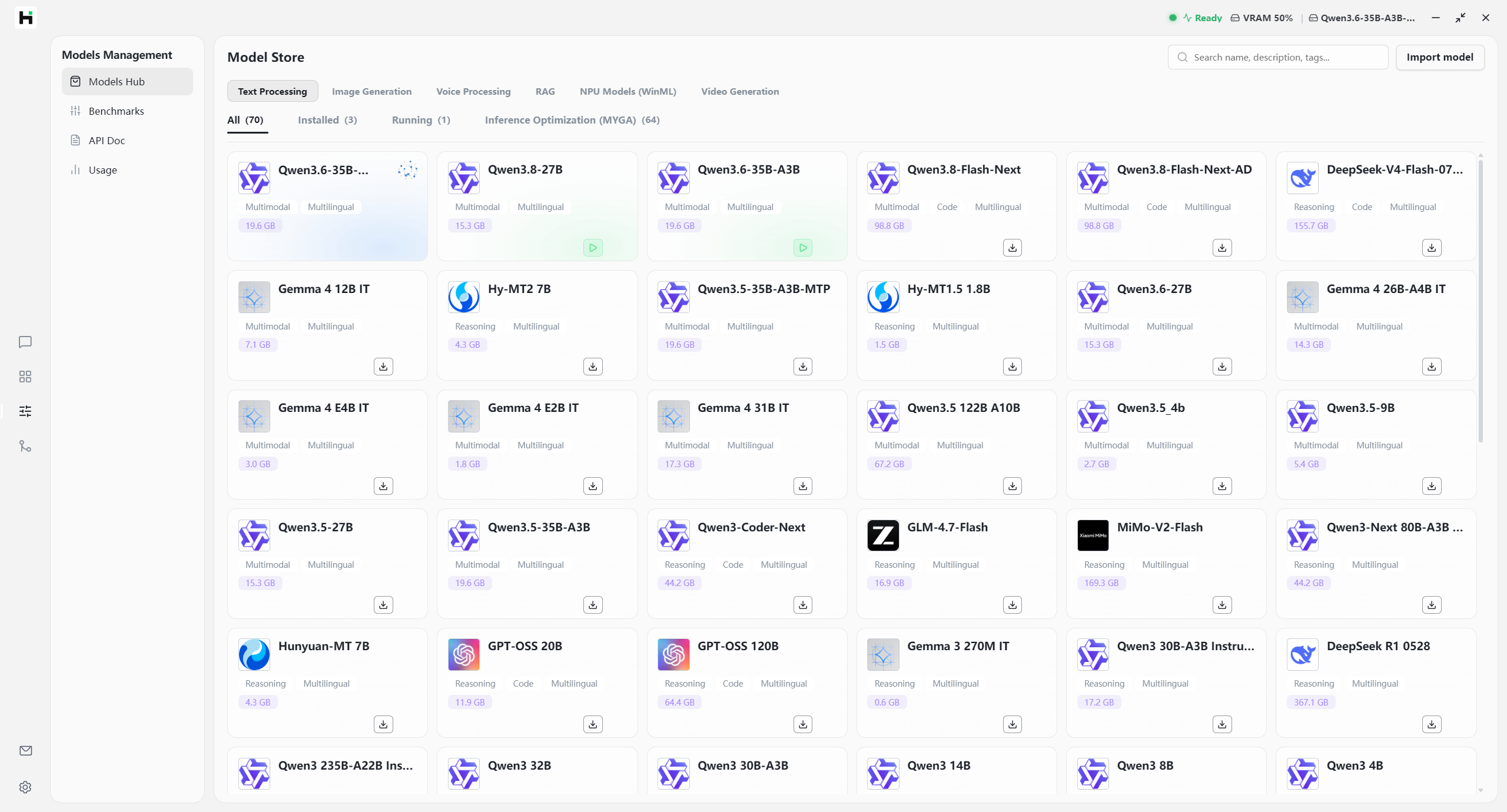
Step 2: Find a Qwen 3.6 35B model
In Herdsman's model library, search for Qwen 3.6 35B.
Model names and available model builds may change over time. Check the model name and any displayed memory or storage notes in Herdsman before downloading.
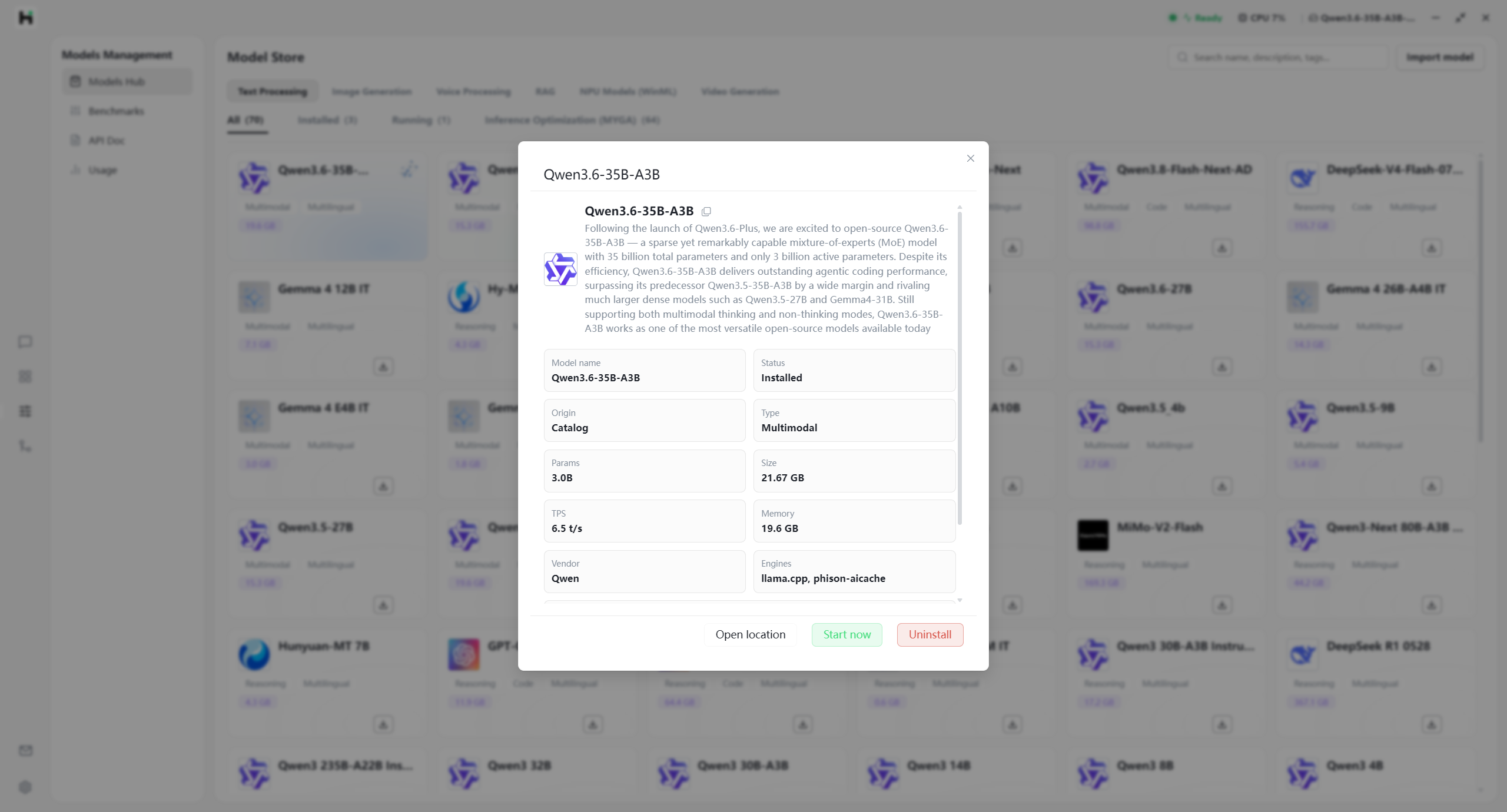
Step 3: Download the model with Herdsman
Choose the Qwen 3.6 35B model and use Herdsman's download action. The app will download the model files and prepare them for local use. Keep the PC connected to power and allow the download to finish before starting inference.
Step 4: Enable AI SSD for the local run
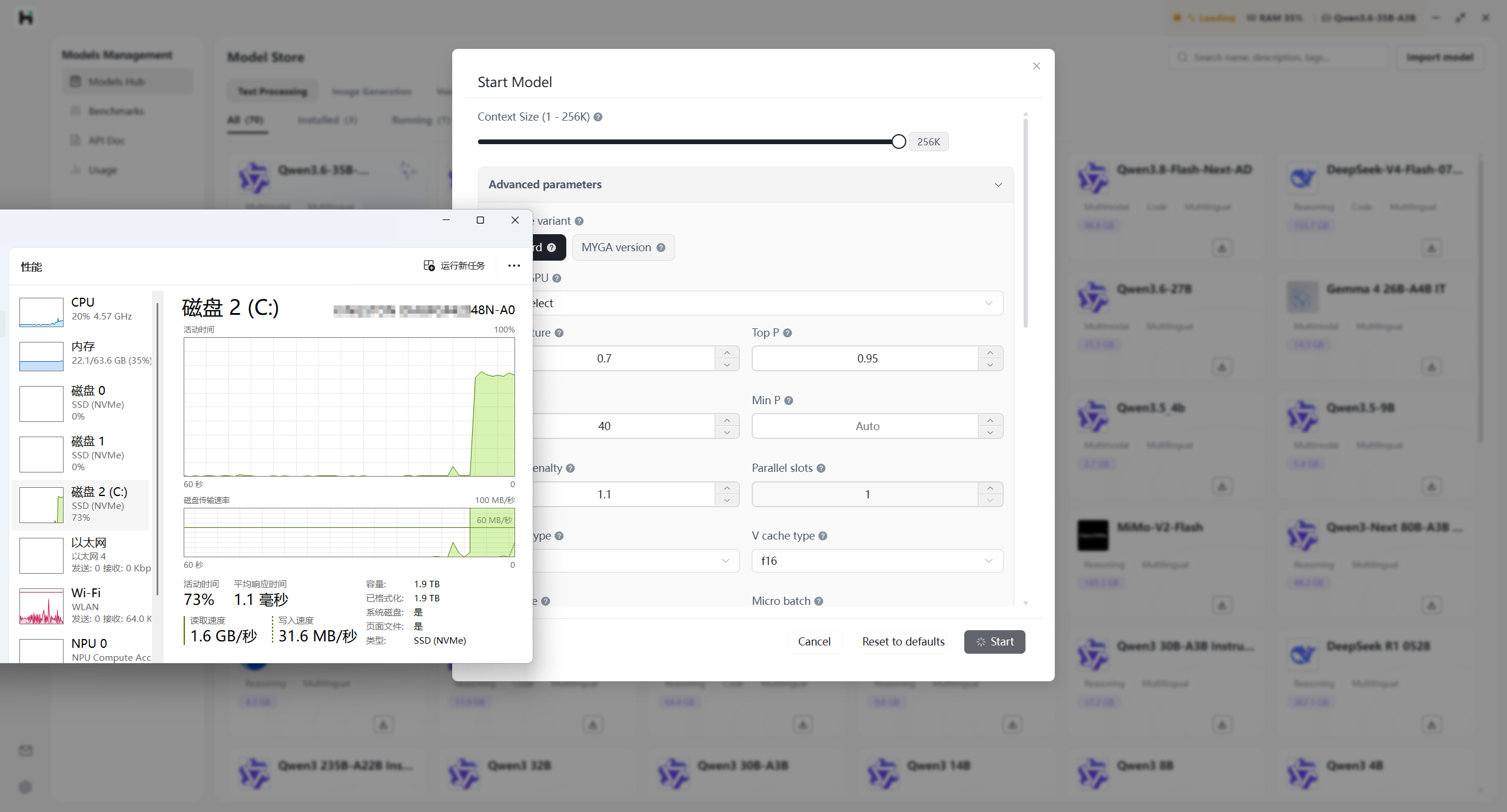
If your system includes AI SSD,Simply select AI SSD-accelerated inference when launching the model. . AI SSD is intended to help with model workloads that exceed the memory available on the graphics card. Its impact depends on the device, storage, model, and workload.
For a description of the feature and published test results, see the AI SSD page and AI SSD benchmarks. Benchmark results are tied to the tested hardware and settings; they are not a promise of the same speed on every PC.
Step 5: Start the model in Herdsman
Return to the downloaded model in Herdsman and choose its start or run action. Wait for the model to finish loading.
The first startup can take longer while the model is prepared. Keep other memory-intensive apps closed until the first response appears.
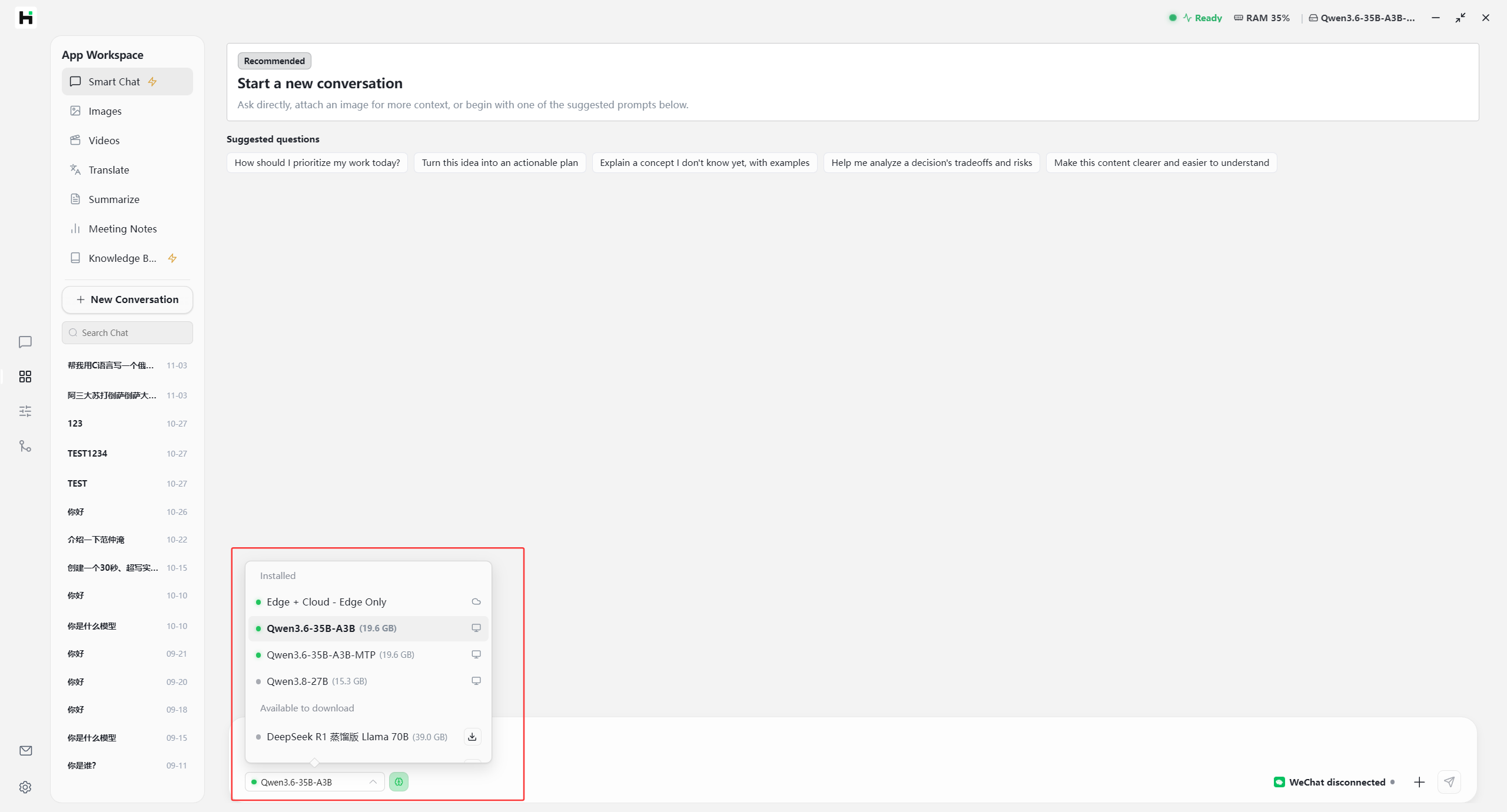
Run local models with Herdsman
Herdsman makes it straightforward to discover, download, and start supported local models from Herdsman.
Quick Download Herdsman AI engine.