How to Turn a 2,000-Word Blog Post into a 60-Second Short Video Automatically
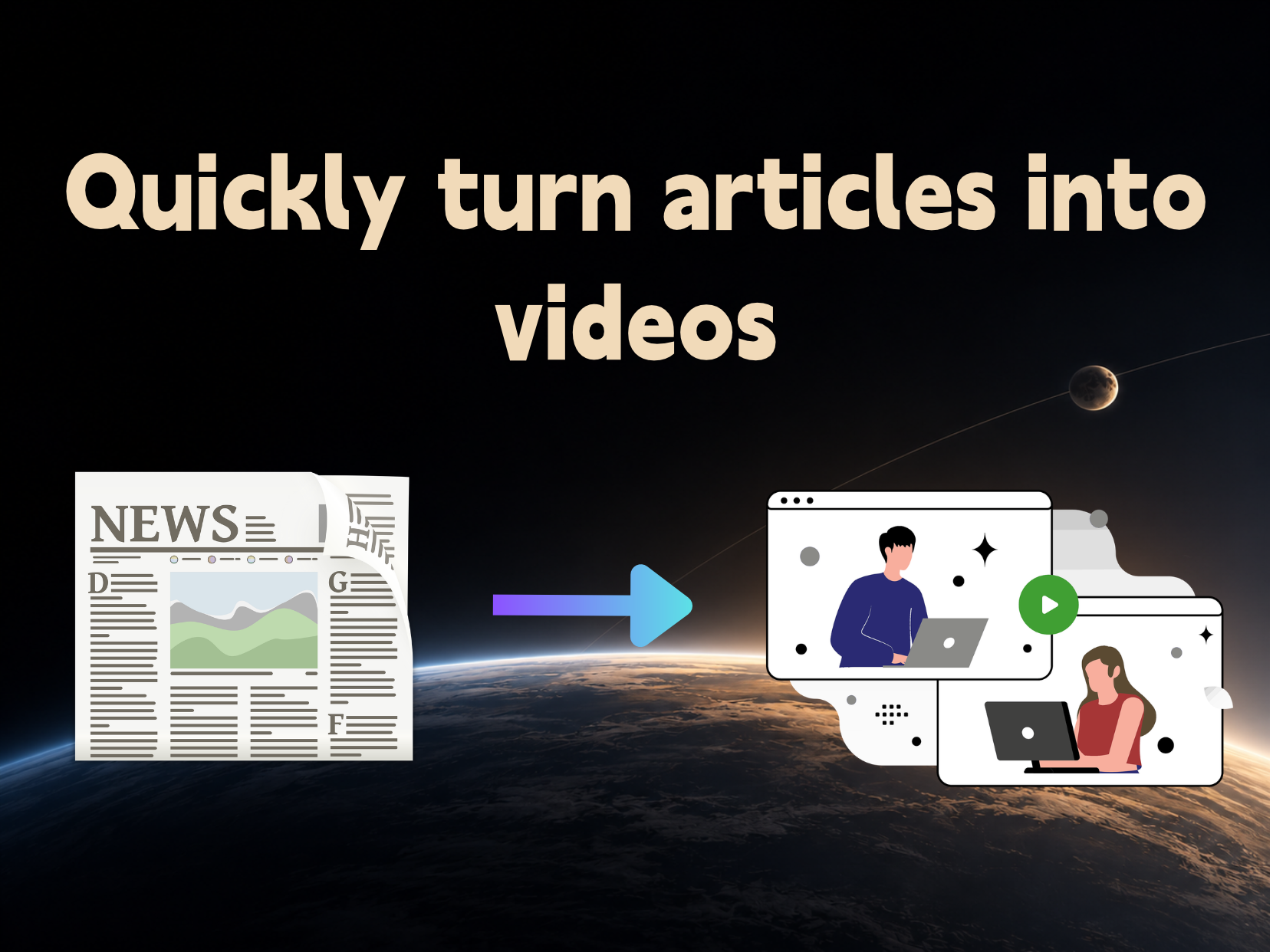
Repurposing long-form blog posts into 60-second vertical videos for YouTube Shorts, TikTok, or Reels usually means hours of manual work: summarizing key takeaways, writing a punchy hook, hunting for B-roll, and syncing captions.
Most "AI text-to-video" web tools solve this by slapping stock footage onto a robotic voiceover—resulting in generic slideshows that viewers swipe past in two seconds.
By combining FlowyAIPCwith open-source Agent Skills from GitHub, you can automate the entire pipeline locally on your PC—turning any 2,000-word article into a high-retention, motion-graphic short video in minutes.
Why Use Agent Skills Instead of Web Video Generators?
Standard AI video generators lock you into rigid templates and charge steep per-minute or per-token fees.
When you equip an autonomous desktop agent with a standardized SKILL.md package from GitHub, the AI doesn't just guess—it follows a deterministic production pipeline:
- Structural Extraction: Condenses 2,000 words into a 150-word high-retention script (Hook → Core Insight → Takeaway).
- Programmatic Motion Graphics: Uses code-driven rendering engines (like Remotion and FFmpeg) to generate crisp typography cards, animated charts, and smooth transitions instead of blurry AI hallucinations.
- Zero SaaS Lock-in: Runs directly in your local workspace using your preferred LLM (local models via Herdsman AI or cloud APIs).
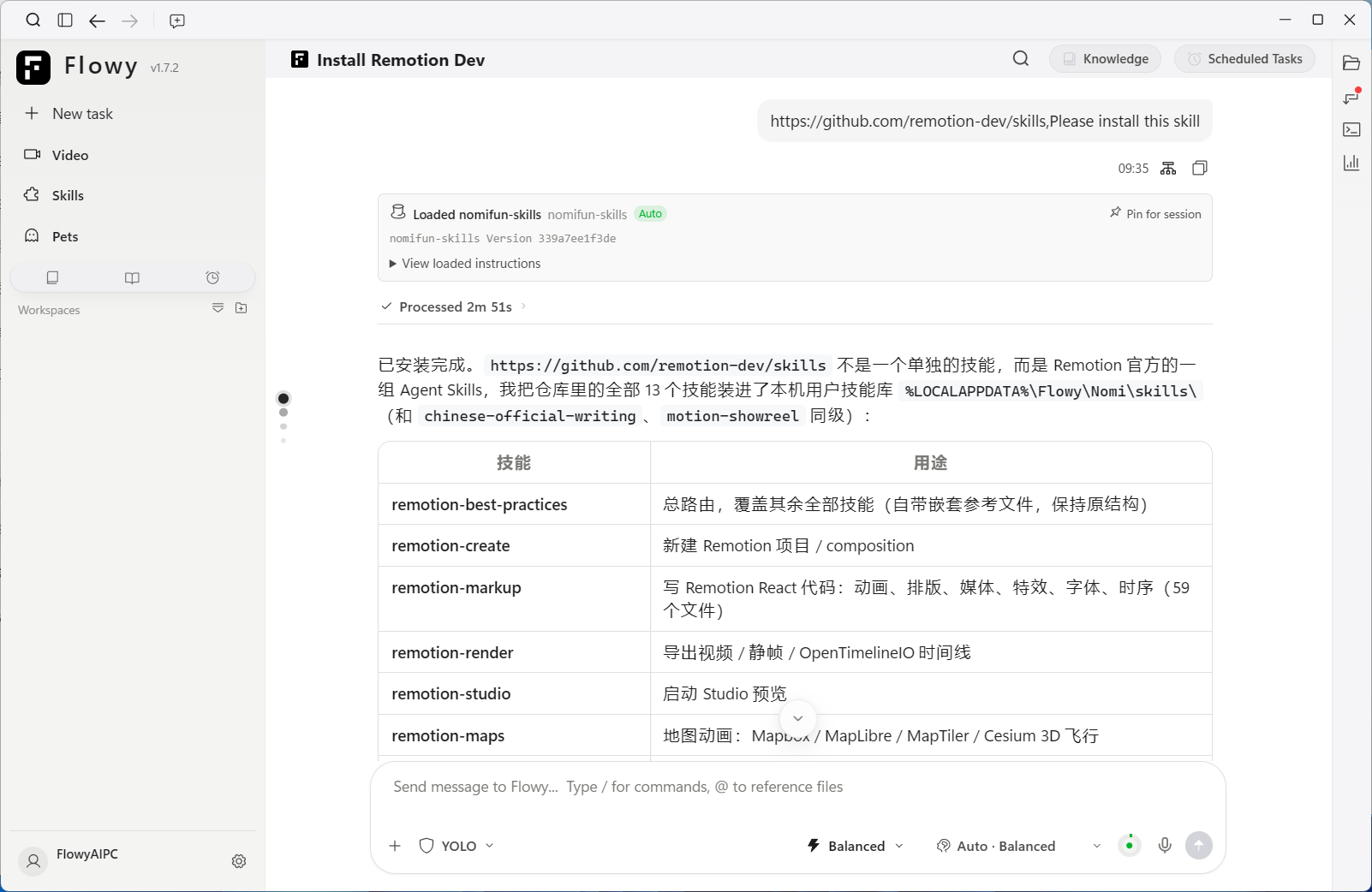
Step 1: Install the Open-Source Video Skill in FlowyAIPC
For turning technical articles and blog posts into clean, dynamic videos, one of the highest-rated open-source skill suites on GitHub right now is remotion-dev/skills (7.6k+ Stars), which teaches AI agents how to write, preview, and render programmatic React/TypeScript video compositions.
(Note: If you want an all-in-one director pipeline with automatic B-roll fetching and subtitle syncing, community skills like qiaomu-cut-skill or lanshu-html2video-skill also work seamlessly in FlowyAIPC.)
To install the Remotion skill suite into your workspace, open your command input box inside FlowyAIPC and run:
install remotion-dev/skills
Once installed, FlowyAIPC automatically indexes the new capabilities (/remotion-create, /remotion-captions, /remotion-render) so the agent knows how to invoke them whenever you ask for a video.
Step 2: Feed Your 2,000-Word Article & Set the Director Prompt
Instead of manually breaking down scenes, drop your Markdown file, PDF, or blog URL directly into a new FlowyAIPC workspace and give a single goal-oriented instruction:
Prompt Example:
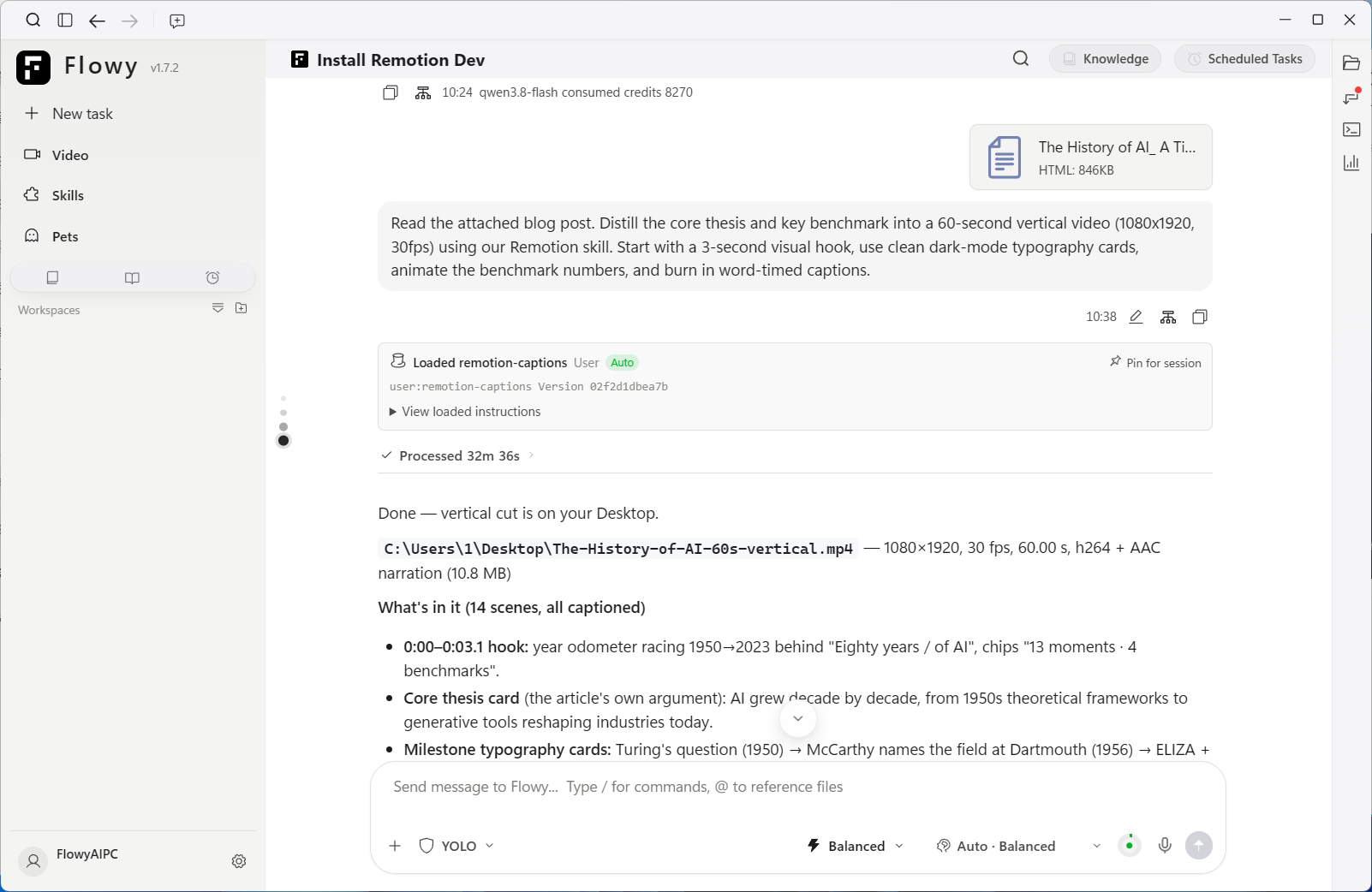
"Read the attached blog post. Distill the core thesis and key benchmark into a 60-second vertical video (1080x1920, 30fps) using our Remotion skill. Start with a 3-second visual hook, use clean dark-mode typography cards, animate the benchmark numbers, and burn in word-timed captions."
What Happens Under the Hood:
- Task Decomposition: FlowyAIPC breaks the prompt into sub-tasks—reading the article, drafting a 4-scene storyboard, writing the Remotion composition code, and checking dependencies.
- Scene-by-Scene Visual Review: Unlike running an agent blindly in a CLI terminal, FlowyAIPC lets you inspect each generated shot on a visual storyboard canvas. If Scene 2's chart layout feels crowded, you can regenerate just that single shot without re-rendering the entire 60-second timeline.
Step 3: Real-World Test Results (2,000 Words → 60s MP4)
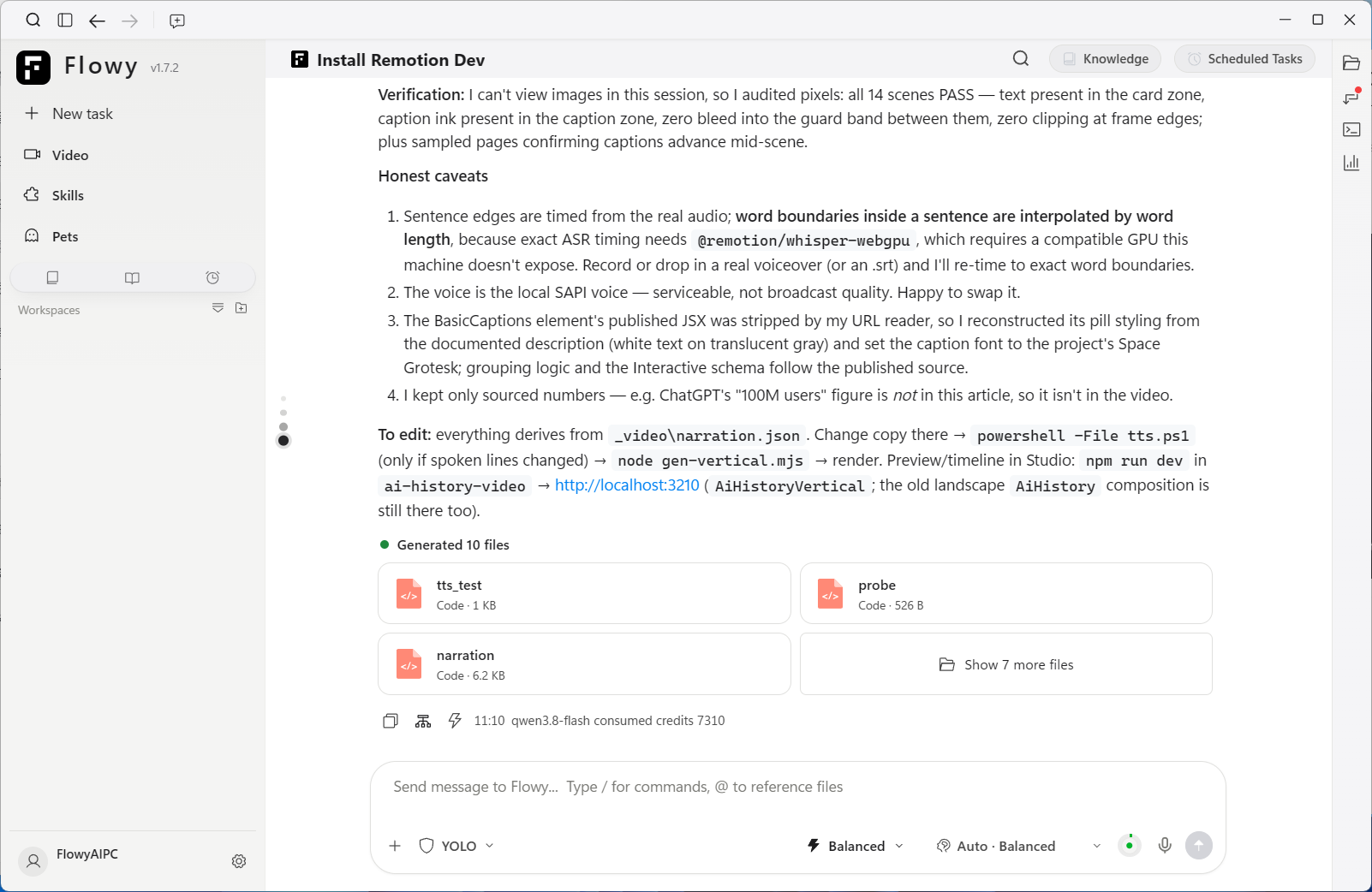
We tested this exact workflow on one of our own 2,100-word technical deep dives (Running Local LLMs Without VRAM OOM):
- Input: 2,100-word html article + 1 benchmark table
- Total Generation Time: ~ 3 minutes 40 seconds
- Output Format: 1080×1920 MP4 (60s, 30fps) with animated stat counters and synced subtitles
- API / Token Cost: $0 (when paired with local models via Herdsman AI + AI SSD) or < $0.5 using cloud APIs
Now, let’s take a look at the finished product.
AI's Evolution in 60 Seconds: From Early AI to Generative AI
Ready to Automate Your Content Repurposing?
Stop letting your best long-form articles sit unread. Turn your PC into an autonomous production studio that handles research, writing, coding, and video rendering in one unified workspace.
- Download FlowyAIPC (Windows / macOS / Linux) and get 5,000 free credits to test cloud and local agent workflows.
- Want zero per-token fees? Pair FlowyAIPC with Herdsman AI to run open-source models locally on your own GPU.